FFXIV isn't a twitchy FPS where 240Hz makes or breaks you. What matters here is color accuracy, resolution, and screen real estate — because this game is visually stunning and deserves to be seen at its best. I've focused on monitors that cover the range from "just getting started" to "I want to see every pixel of Endwalker's cutscenes in perfect detail."
FFXIV-specific note: The game has a 90 FPS cap in most situations and doesn't require high refresh rates the way competitive shooters do. I'd prioritize resolution and panel quality over refresh rate unless you also play other games.
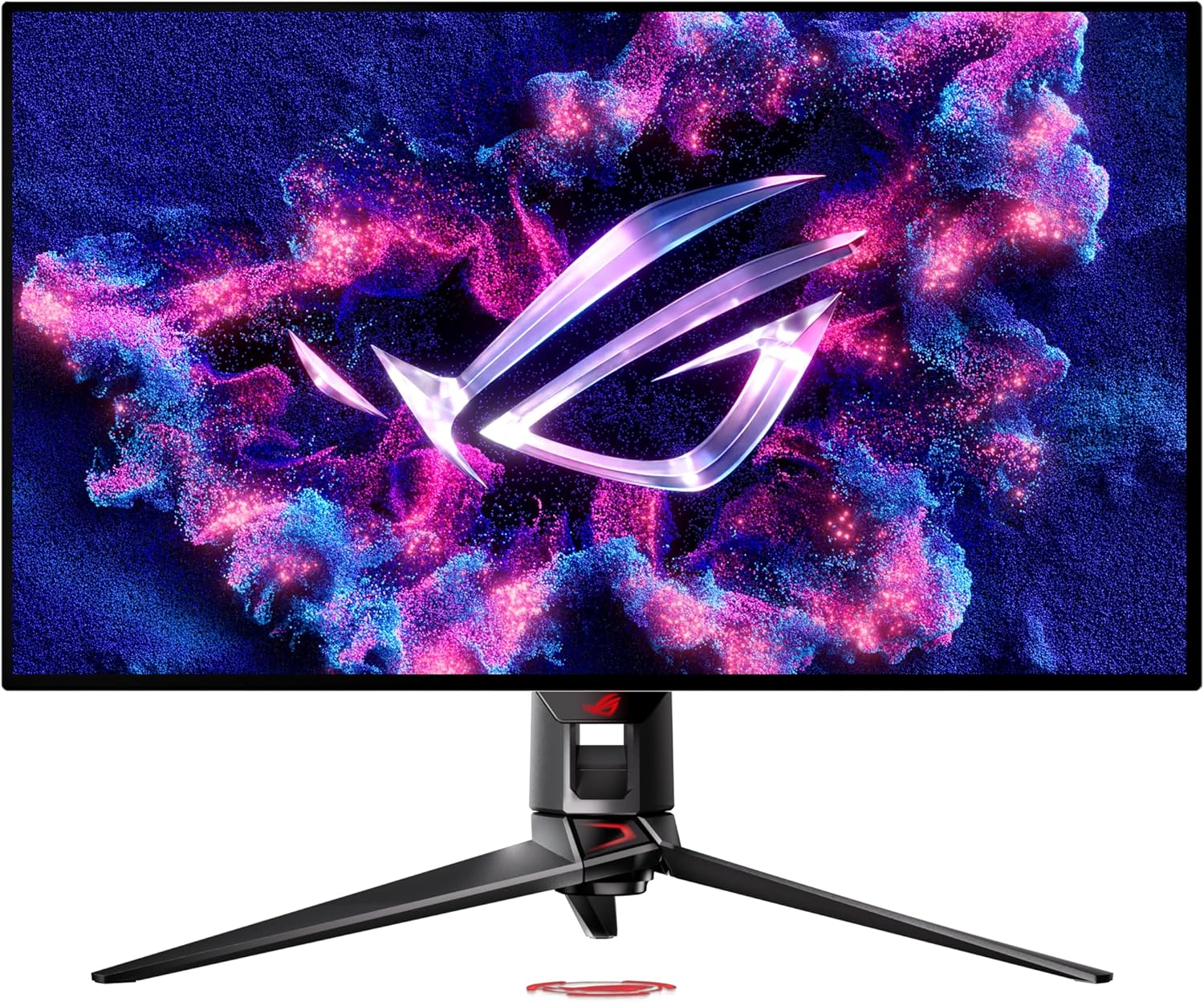
I absolutely love this monitor. I literally bought it for my new setup for FFXIV this year at the beginning of 2026. 4K at 32 inches hits the sweet spot — sharp enough that text and UI elements look crisp, without needing to scale. The QD-OLED panel produces wide color gamut that makes Eorzea's environments genuinely gorgeous. 240Hz is a bonus for other titles.
You'll want a GPU that can push 4K at playable frame rates — RTX 3070 or better recommended.
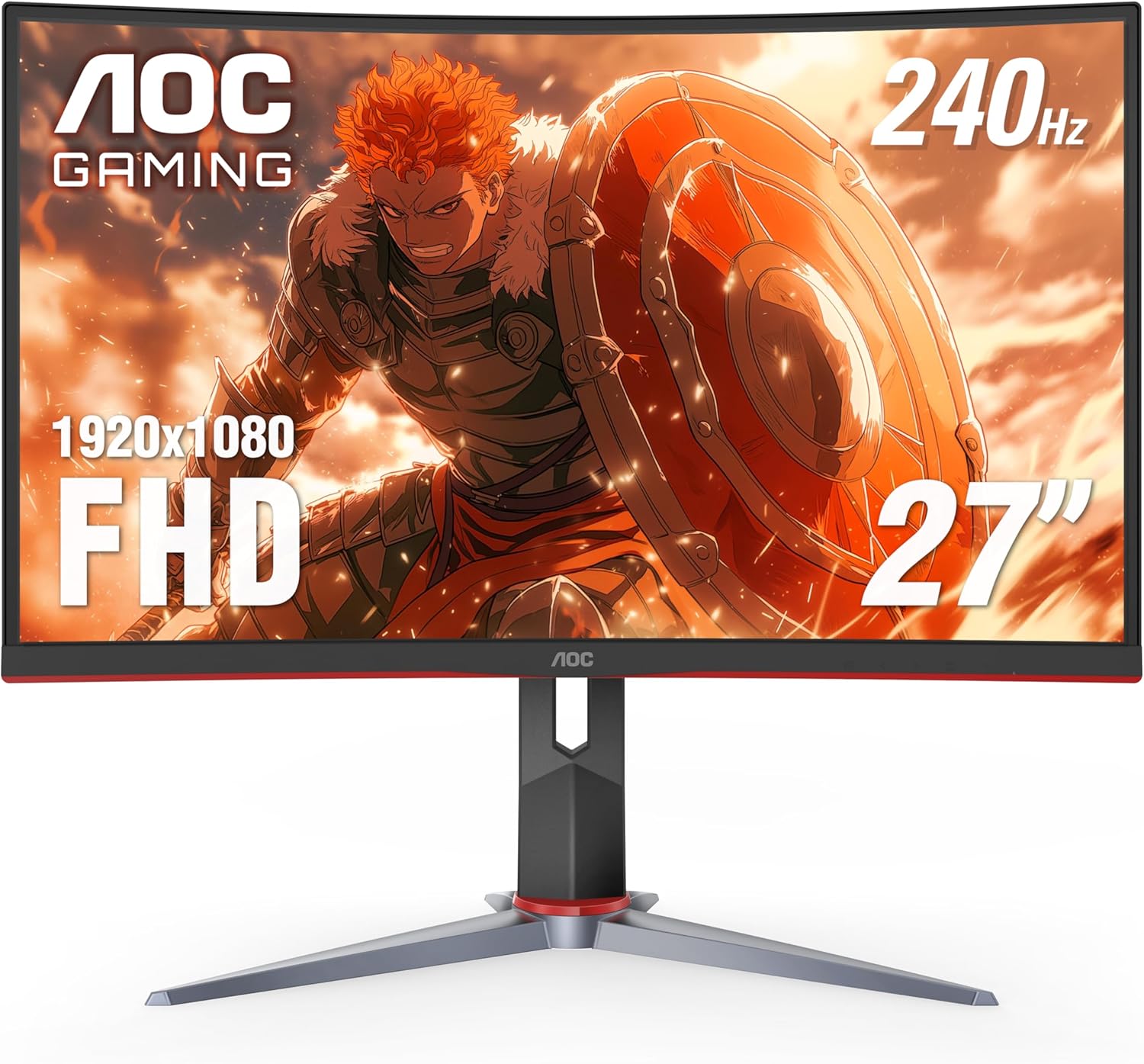
If your GPU can't do 4K yet or you're on a strict budget, this is the pick. 1080p at 27" isn't as crisp as I'd like for FFXIV's UI, but 240Hz makes it smooth and the VA panel has excellent contrast — dark scenes in dungeons look genuinely dramatic rather than washed out.
Honest warning: 1080p at 27" shows pixels if you sit close. If your desk is deep, it's fine. If it isn't, consider a 24" at this resolution.
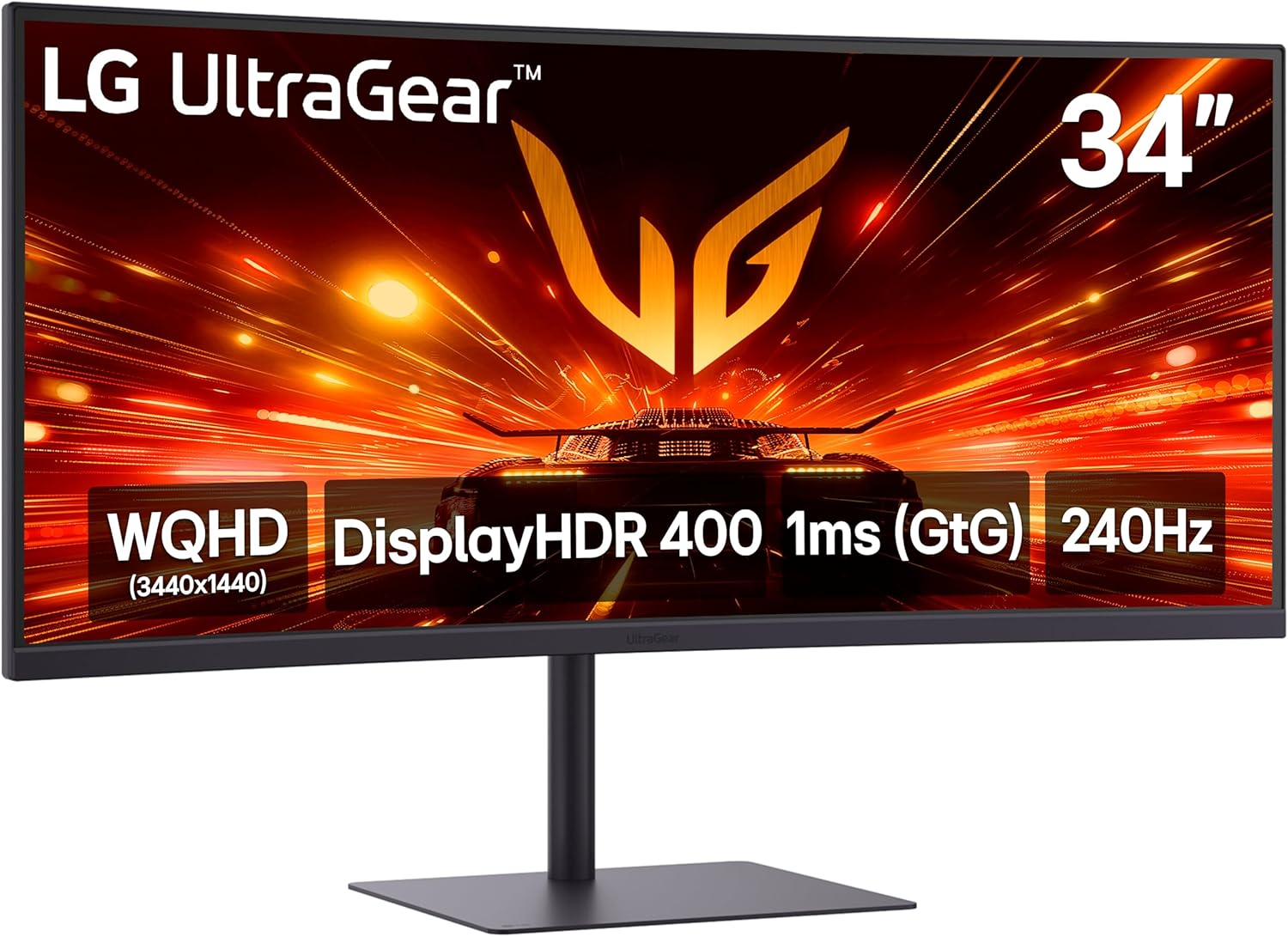
FFXIV supports ultrawide natively and it is absolutely stunning — especially in open world zones and cutscenes. The extra horizontal space also helps with having guides, Discord, or a stream open alongside the game. 1440p sharpness at 34" hits a better pixel density than a 27" 4K for general desk distance viewing.
Note: some instanced content may pillarbox at 21:9. It's rare but worth knowing.
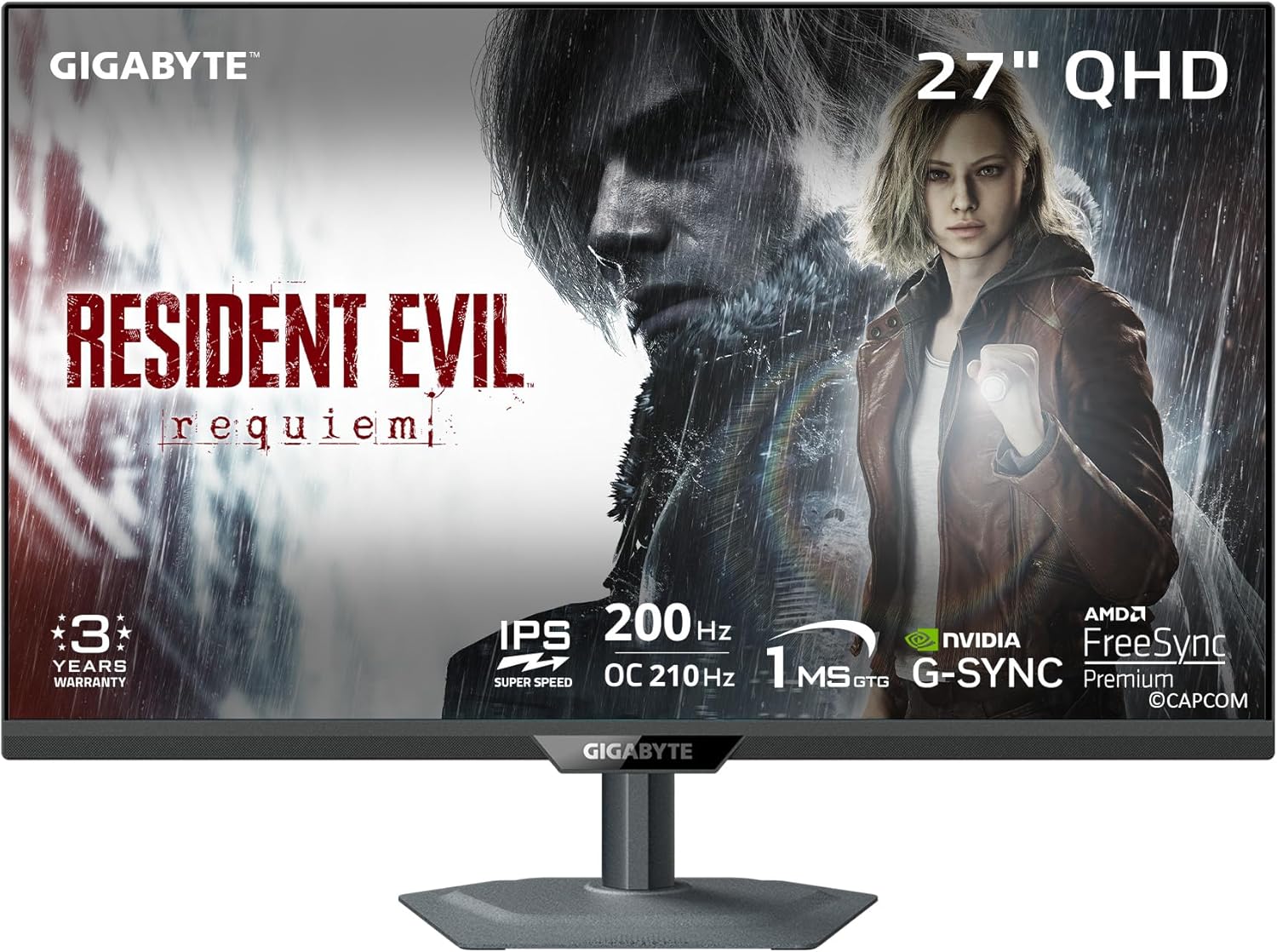
1440p is the sweet spot for FFXIV on most mid-range GPUs — sharp enough to look great, not so demanding that you need top-tier hardware. The M27Q consistently punches above its price class on color accuracy and gets recommended by basically every monitor reviewer who's tested it. The built-in KVM switch is a nice bonus if you run multiple machines.
One of the best monitor values available. Hard to go wrong here.
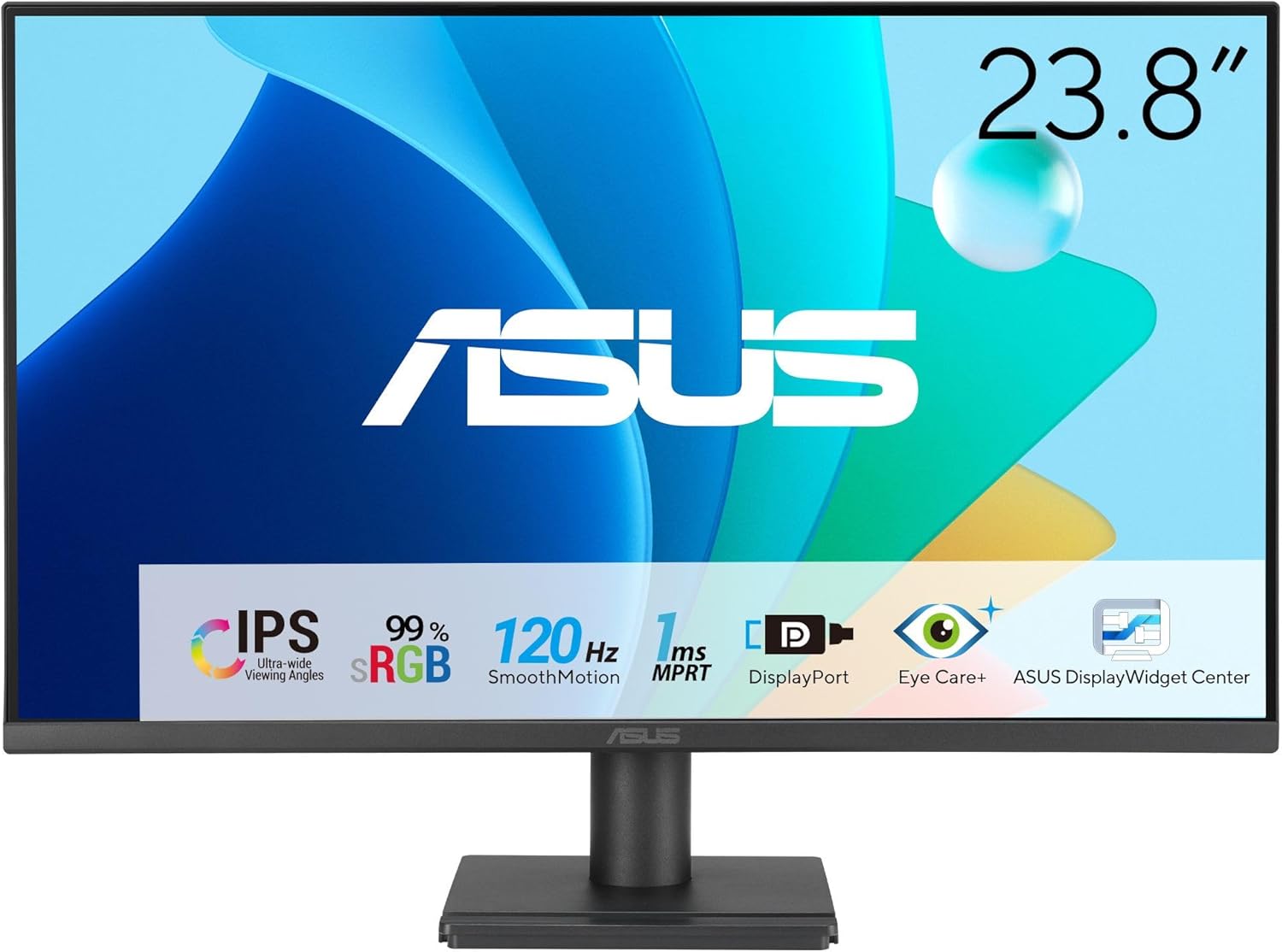
If you just need something that works and lets you play FFXIV without spending a lot, this is the starter monitor I'd point a new player toward. 1080p at 24" is a comfortable viewing experience — pixel density is fine at normal desk distances, and the IPS panel gives you decent colors out of the box without any calibration fuss.
When your budget grows, move to 1440p. But this will serve you well until then.
Quick comparison
| Monitor | Size | Resolution | Refresh | Panel | ~Price |
|---|---|---|---|---|---|
| ASUS ROG Swift PG32UCDP | 32" | 4K UHD | 240Hz | QD-OLED | ~$1,299 |
| LG 34G630A-B | 34" | 3440×1440 | 240Hz | IPS curved | ~$399 |
| Gigabyte M27Q | 27" | 1440p | 170Hz | IPS | ~$279 |
| AOC C27G2Z | 27" | 1080p | 240Hz | VA curved | ~$199 |
| ASUS VA249QG | 24" | 1080p | 120Hz | IPS | ~$149 |